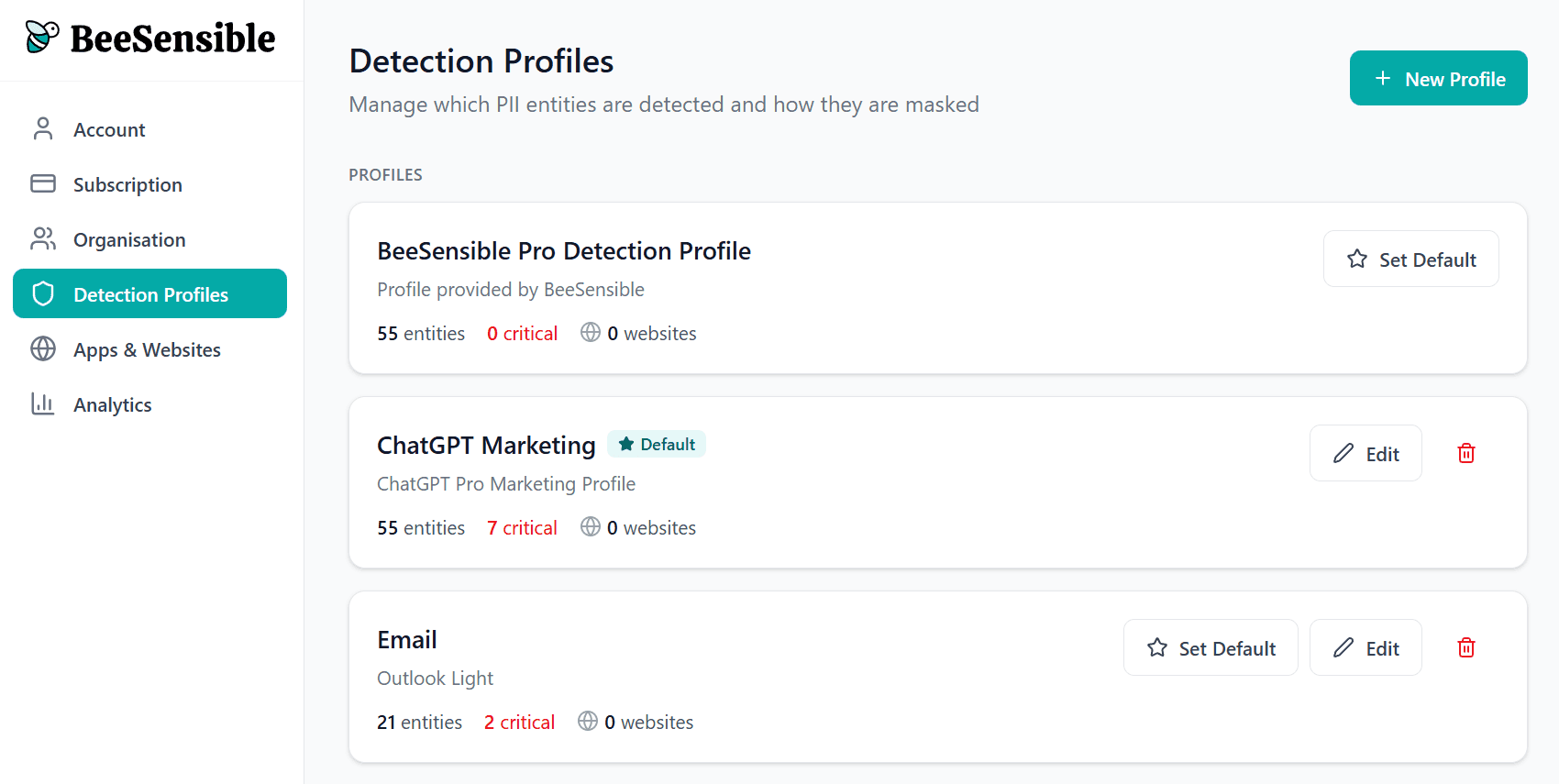
Detection profiles
A detection profile defines which data types BeeSensible recognizes and how sensitive each one is.
How profiles work
For each data type, you decide:
Detect? — Should BeeSensible look for this?
Severity? — Standard (yellow) or critical (red)?
Users see highlights based on these choices. They don't see or interact with profile settings directly.
Data categories
BeeSensible recognizes data in eight categories:
Identity & Authentication
Names, birthdates, passport numbers, employee IDs, student numbers
Health & Medical
Patient numbers, medication names, medical codes, blood types, insurance numbers
Financial & Economic
Credit card numbers, CVVs, IBANs, bank accounts, tax IDs, salary data
Location & Contact
Email addresses, phone numbers, street addresses, postcodes, IP addresses
Sensitive Personal Attributes
Religion, ethnicity, sexual orientation, political affiliation, union membership (Special categories under GDPR — typically marked critical)
Technical & Organizational
Usernames, passwords, API keys, device IDs, MAC addresses
Travel & Transportation
Flight numbers, ticket numbers, license plates
General Business
Product names, event names
Creating your first profile
Start with one general profile that reflects your baseline policy:
Names, emails, phone numbers → Standard (yellow)
Financial data, credentials, special categories → Critical (red)
This gives users helpful awareness without overwhelming them with red highlights everywhere.
When to create additional profiles
Create separate profiles when different contexts need different rules:
AI tools — Stricter settings because data leaves your organization
Industry-specific tools — Custom detection for your domain (patient IDs, student numbers)
Internal tools — Possibly more relaxed settings for trusted environments